Decouple equipment and PC handover from the support desk's business hours
Loaner PCs and peripherals can be picked up whenever it suits the employee. Who picked up what, and when, stays in the cloud, so accountability never gets fuzzy.
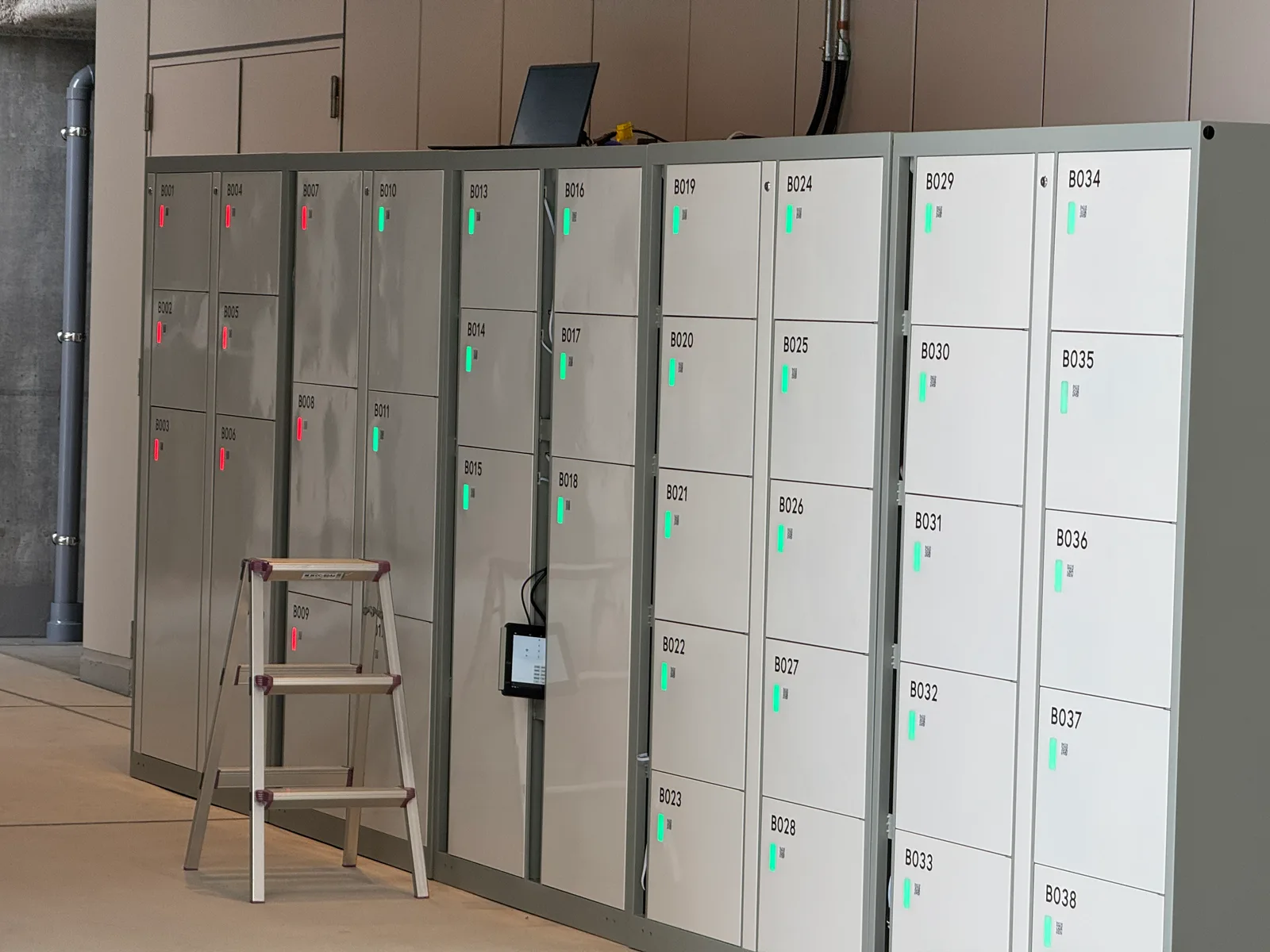
What's happening in the IT department
When onboarding, transfers, and repair swaps pile up, handover itself turns into a dedicated job.
The support desk fills up with handovers
Even when the PC is ready, the times an employee can come get it don't line up with the desk's hours. The result is repeated back-and-forth that eats into everyone's time.
No record of who picked up what, and when
Hand delivery relies on a paper ledger, and entries get missed. Asset audits turn up devices whose whereabouts can't be traced.
Handing out keys or codes for every handover
Issuing a password or PIN each time leads to sharing, reuse, and missed revocations. Revoking access when someone leaves becomes manual work too.
Turn the employee IC card into the key itself
There's no need to hand out new credentials for every handover. Employees just tap the card they already carry. Card registration and revocation can integrate with internal directory services such as Outlook, riding along with your onboarding, transfer, and offboarding flow.
QR code is the primary credential, but enterprise deployments can unlock with an employee badge
Use existing employee badges as-is
Choose from Mifare / Felica. There's no need to re-issue new cards.
Integrate with your directory
Integrate with internal directory services such as Outlook to manage access rights in step with onboarding, transfers, and offboarding.
Use alongside QR codes
Issue QR codes on demand for visitors and partners, while employees use IC cards — you can use both.
Issue directly from a workflow
Via the API, unlock permissions can be issued the moment an internal request workflow is approved — no manual step by staff.
Contact us for details on supported internal directory services and integration methods. We expand coverage on request.
From the entrance to the locker, with one key
The KEYVOX smart lock and locker share the same interface. Office access and locker unlocking run on the same QR code and the same IC card, so the on-site failure of "I got into the office but the locker won't open" never happens. And you implement it only once.
- Access control for entry and lockers isn't split across separate dashboards
- Even when embedding into your own app, there's a single API
- Users don't have to install yet another dedicated app
How the operation flows
- 1
Request & approval
An employee requests a PC or equipment through the internal workflow and it is approved.
- 2
Store & grant access
Staff place the prepared device in the locker. The approved employee is granted unlock permission.
- 3
Pick-up
The employee unlocks with their badge or a QR code and picks it up whenever it suits them.
- 4
Record
Who opened which box, and when, is recorded in the cloud. Returns follow the same flow.
Designed from a size that fits a laptop
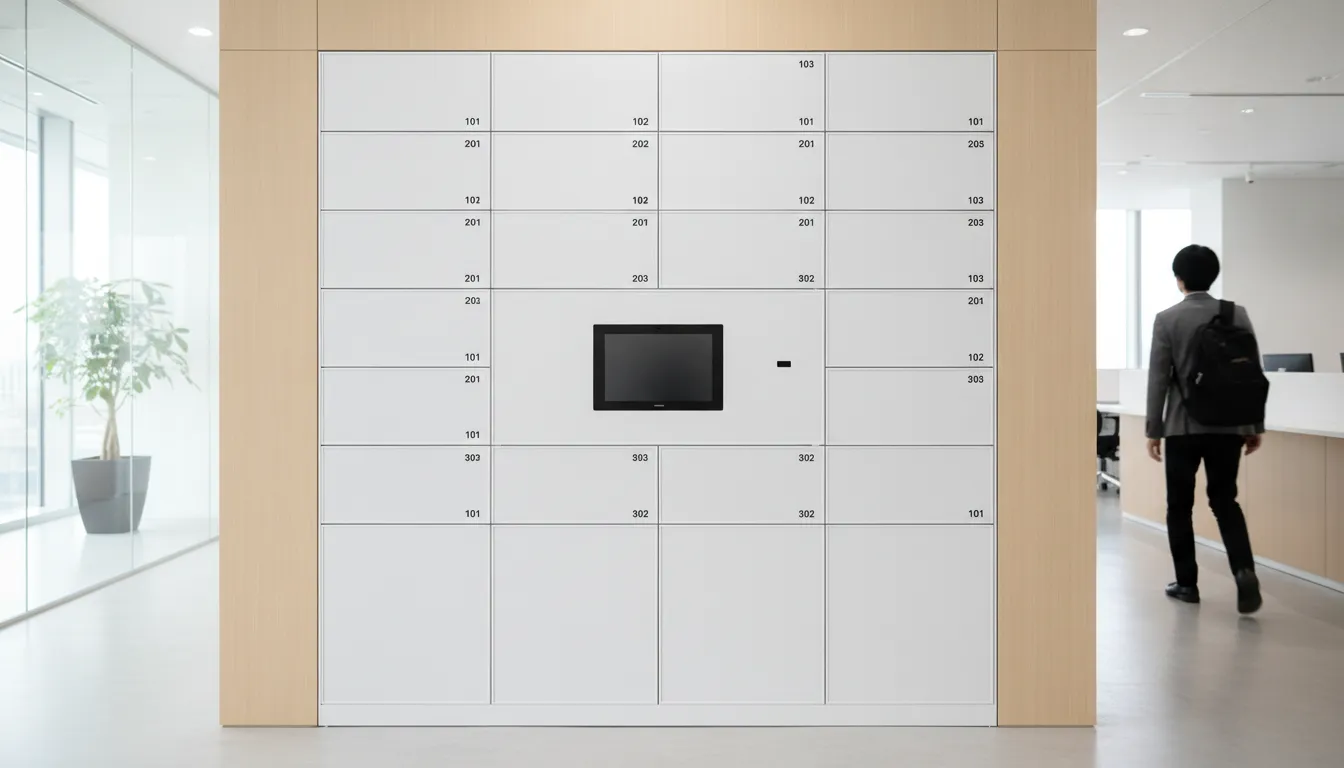
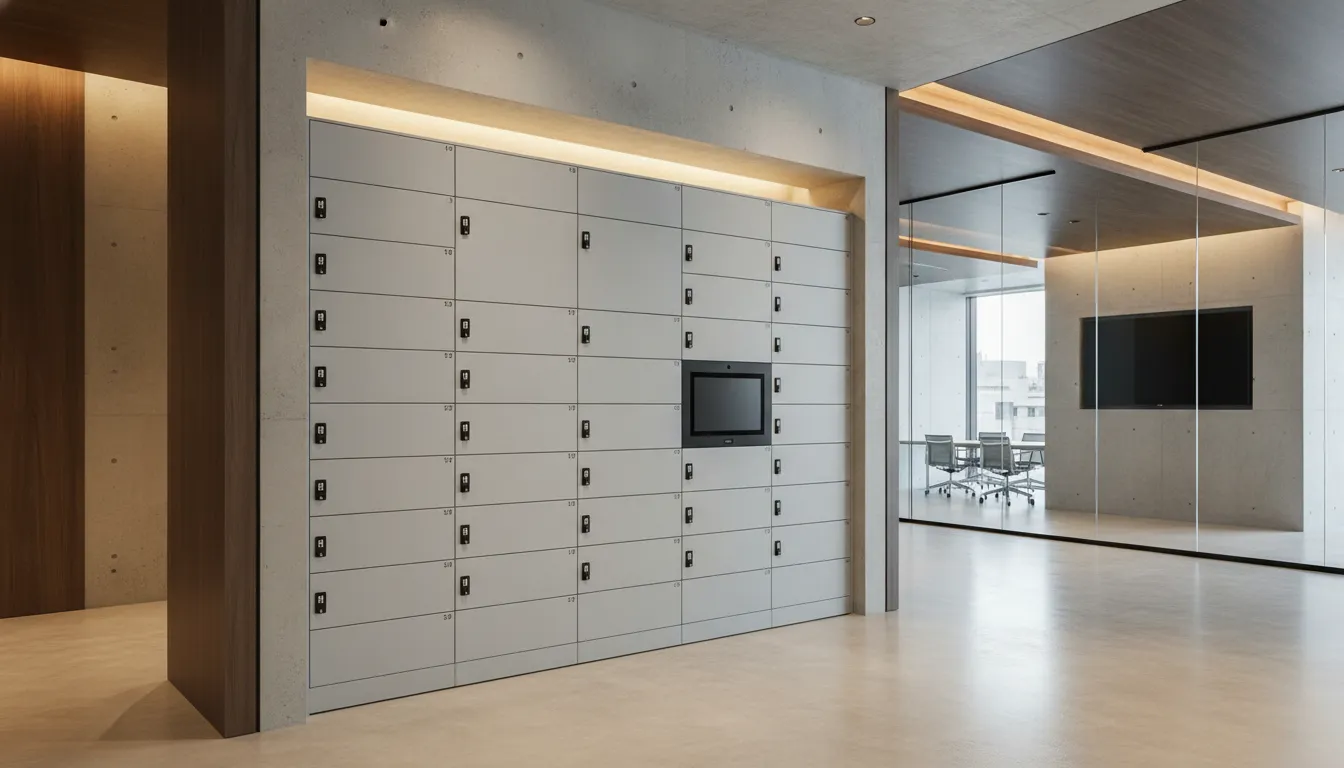
A 13–16 inch laptop, peripherals, and documents each need a different interior. Rather than picking from off-the-shelf part numbers, KEYVOX designs the layout from the dimensions of what you store. Changing the size itself carries no surcharge.
We used to have to visit within the support desk's business hours; now we can pick things up at any time, and it's extremely popular with employees.
At fast-growing IT firm Company A, many employees join every month. Together with PC replacements for existing staff, handover work at the support desk had become extremely complex. After adopting the KEYVOX Smart Locker, employees simply submit a workflow request and, once it's ready, receive an unlock QR code and head to the locker.
Case Studies
Corporate case studies
Map it onto your own handover operation and talk to us
Tell us your current operation and the number of people involved. We'll propose a configuration at a similar scale, along with whether directory integration is possible.